



Overview
If you're an LIC agent trying to figure out the LIC Ananda app login process, or a customer wondering how your agent completed your policy on a tablet in minutes, this guide covers everything. We'll walk you through how the Ananda app LIC platform works, how to download and register on it, its key features, and how to check your policy status or pay premiums once your proposal is submitted.
What Is the LIC Ananda App and What Can It Do?
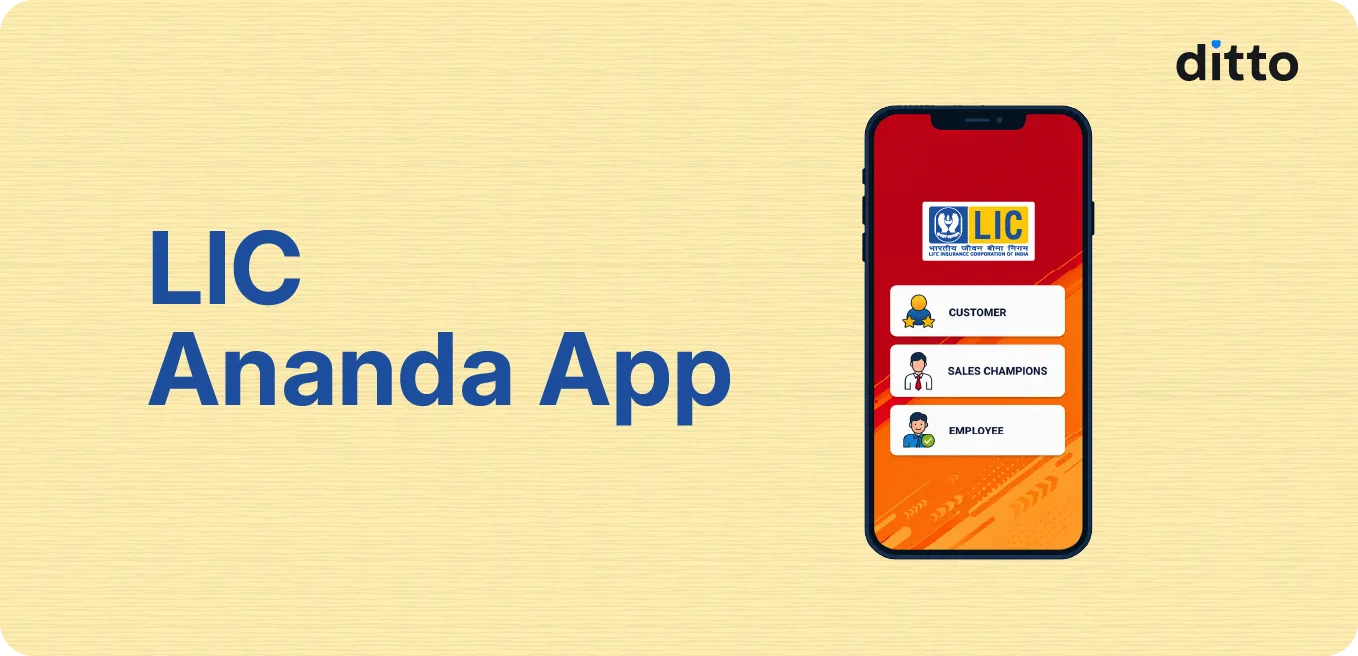
LIC Ananda is a free mobile and web platform built by Life Insurance Corporation of India (LIC) for its agents, development officers, and intermediaries to handle new business proposals digitally.
Before this app existed, agents had to carry physical forms, collect signatures, take photocopies of ID proofs, and visit the branch office to submit everything for processing. The Ananda LIC app removed most of that friction.
With the app, an agent can sit with a customer, fill in their personal details, complete Aadhaar-based eKYC, select a suitable LIC plan, calculate the premium, and generate a payment link, all in one sitting. Once the customer pays via the link using net banking, UPI, or another supported method, the proposal is entered into LIC's system for processing.
The platform has gone through multiple versions.
- LIC Ananda 1.0 was the original version.
- LIC Ananda 2.0 improved the interface and cut down the proposal process to roughly two OTP verifications.
- LIC Ananda 3.0, launched in January 2026, is the latest upgrade aimed at fixing the technical glitches agents often faced with eKYC and proposal submission.
Talk to an expert
today and
find
the right
insurance for you.


How to Download and Install the LIC Ananda App
Step 1: Open the Google Play Store on an Android device, or the Apple App Store on an iPhone.
Step 2: Search for "LIC Ananda" in the search bar.
Step 3: Look for the official app published by Life Insurance Corporation of India and tap Install.
Step 4: Wait for the app to download and install on your device.
Step 5: Open the app once installation is complete to begin registration.
Quick Note: If you're an agent working on a desktop or laptop, you can also access the Ananda portal through LIC's official website by navigating to the Ananda link, usually found in the agent section of the homepage.
How to Register and Login to the LIC Ananda App
Before you can use the app, agents need to complete a one time eKYC and registration process. Here's how the LIC Ananda app login and registration works:
Step 1: Open the LIC Ananda app and select the registration option for new users.
Step 2: Complete your eKYC by entering your Aadhaar number along with the mobile number linked to it. Make sure this is the same mobile number registered with your LIC agency code.
Step 3: Enter the OTP sent to your registered mobile number to verify your Aadhaar details.
Step 4: Create a unique username and a strong password using a mix of letters, numbers, and special characters.
Step 5: Once registered, go to the login screen and enter your LIC agency code as your user ID along with your password.
Step 6: For subsequent logins, you may simply need to enter your registered mobile number and verify with an OTP.
Did You Know?
Key Features of the LIC Ananda App
- Paperless eKYC: Aadhaar and PAN-based verification fetches customer details automatically, cutting down manual data entry.
- Digital Proposal Forms: Agents fill in policy details, sum assured, premium term, and nominee information directly on the app.
- Instant Premium Calculation: The app calculates the premium automatically once the plan and sum assured are selected, so agents can show customers the exact figure before proceeding.
- E-Signature Support: Customers can sign proposal forms digitally instead of using physical signatures.
- Online Payment Links: A payment link is generated and shared with the customer after the proposal is submitted, allowing payment via net banking, UPI, or other digital methods.
- Immediate Policy Documents: Agents and customers often receive the First Premium Receipt (FPR) and e-policy bond almost immediately after the payment is confirmed.
- Learn Module for Customers: A built-in section with plan details, brochures, and a premium calculator that customers can browse on their own.
Quick Update: LIC Ananda app currently supports only non-medical cases for new policy issuance, and products like child plans and Unit Linked Insurance Plans (ULIPs) are not processed through it. Sum assured and premium limits have also been revised upward over time as LIC expands the platform's capacity.
How to Check Policy Status and Pay Premiums on the Ananda App
- The customer receives a payment link on their registered mobile number or email after the agent submits the proposal. This link supports multiple payment modes, such as net banking, debit cards, UPI, and mobile wallets.
- The app generates an FPR as proof of payment, along with an e-policy bond if the policy gets issued without requiring further medical or financial underwriting.
- Agents can log back into the Ananda app or portal using their agency code and password to check the status of a submitted proposal under their dashboard. If it's still pending due to incomplete KYC or additional documentation, the app flags this so the agent can follow up with the customer.
- Customers are generally directed to LIC's main customer portal or the LIC mobile app for renewal premium payments on existing policies.
Common Issues and Troubleshooting the LIC Ananda App
OTP Not Received
App Gets Stuck During eKYC
Login Errors with Agency Code
Slow Portal Performance
Why Choose Ditto for Life Insurance?
At Ditto, we’ve assisted over 8,00,000 customers with choosing the right insurance policy. Why customers like Vijay below love us:
- No-Spam & No Salesmen
- Rated 4.9/5 on Google Reviews by 24,000+ happy customers
- Backed by Zerodha
- Dedicated Claim Support Team
- 100% Free Consultation
You can book a FREE consultation. Slots are running out, so make sure you book a call now or chat with us on WhatsApp!
Conclusion
The LIC Ananda app has changed how LIC agents issue new policies. It has replaced stacks of paperwork with a digital process that can be completed on a smartphone in one sitting.
That said, the app is built primarily for agents, and its login process, version updates, and occasional technical hiccups can be confusing for someone without an LIC agency code. As a customer, what matters most is whether the policy itself fits your needs and whether you have someone to turn to if a claim comes up later.
At Ditto, we believe choosing the right life insurance plan should come with clear advice and support that doesn't end the moment your policy is issued. If you are still comparing policies, check out our guide on the best term plans in India.
Frequently Asked Questions
Last updated on: