



HDFC Term Insurance premium payments can be made easily through online and offline channels, including the HDFC Life website, mobile app, HDFC Bank NetBanking, and PayZapp. Customers can also pay via cheque, DD, or cash at HDFC Life or HDFC Bank branches. All online transactions are fully secure and compliant with RBI and IRDAI guidelines.
Introduction
Paying your term insurance premiums shouldn’t feel like a chore, and with HDFC Life, it isn’t. Whether you prefer a few quick taps online or an in-person visit, there’s a payment option that fits right into your lifestyle. In this blog, we’ll break down exactly how you can make your HDFC Term Insurance payment easily, no matter which method you choose. Let’s dive right in.
Pro tip: The health insurance market can be a labyrinth. Instead of spending hours navigating through the hundreds of policies out there, why not book a free call with our expert IRDAI-certified advisors? We don’t spam or pressure you to buy. Just honest insurance advice.
How to Make HDFC Term Insurance Payment?
You can pay your HDFC Life Term Insurance premium through multiple online and offline channels. Here’s how:
1) Through the Official HDFC Life Website
There are two ways of paying through the HDFC Life website.
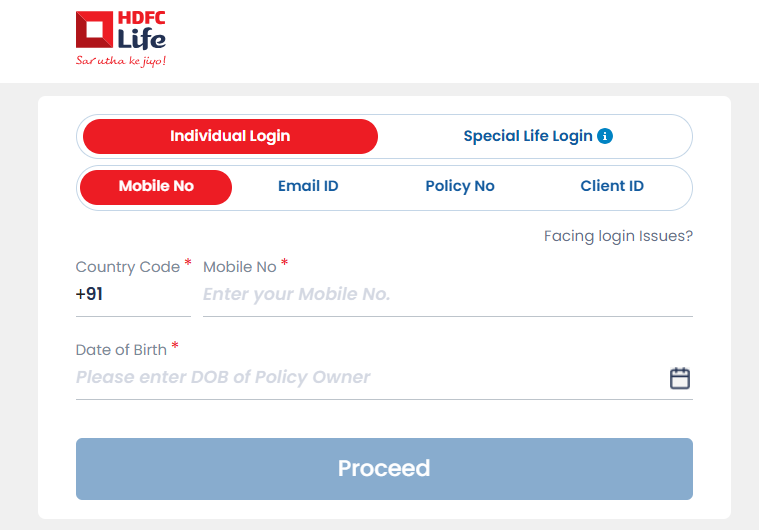
- Visit the official HDFC Life website’s login page and enter your details. Log in using your registered mobile number(RMN), email ID, policy number, or client ID. Fill in your DOB and then click on proceed. Click on your policy and review the details. Choose your preferred payment methods, and you can proceed with the payment.
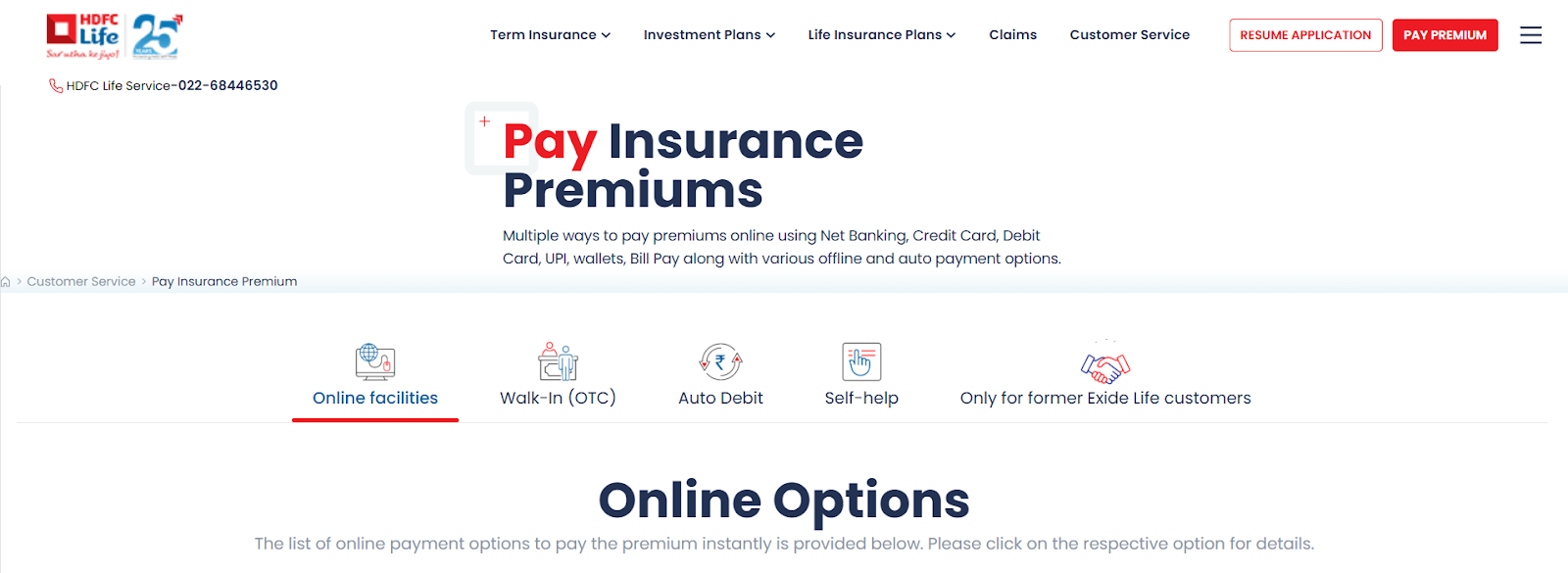
- Visit HDFC Life’s Pay Premium Page. Enter your policy or registered mobile number. Confirm your policy details and choose your preferred payment method. Complete the payment securely.
2) Through the HDFC Life Mobile App
- Download the HDFC Life Insurance app from the App Store or Google Play Store. Log in to your account using your RMN, email, or client ID. Enter your DOB in (DD/MM/YY) format, agree to the Terms of Service, and tap Submit.
- You will need to set up an mPIN or allow biometric login for future access. Next, you can navigate to the policy section and select the policy you want to renew. Choose your preferred payment method and complete the transaction securely.
3) Through HDFC Bank’s Net Banking Portal
- If you’re an existing HDFC Bank customer, you can make payments directly through your Net Banking account by logging in to your account. Go to the ‘Insurance’ section on the home page.
- Click on ‘HDFC Life’ and select ‘Renew Policy’. Enter your Policy Number and DOB. Proceed to complete the payment using NetBanking.
4) Through HDFC Bank’s PayZapp Portal
- PayZapp, HDFC Bank’s online payment app, allows both HDFC and non-HDFC customers to pay premiums quickly. Download and set up the PayZapp app on your iOS or Android device.
- Complete the verification/KYC process. Link your Debit Card, Credit Card, or UPI Account.
- Tap ‘Bills and Recharges’. Go to ‘Financial Services’ and then click on ‘Insurance’.
- Select ‘HDFC Life Insurance’, enter your Policy Number and DOB.
- Review your policy details and premium amount. Select your preferred payment method and complete the transaction.
5) Offline Payment Options
If you prefer paying in person, you can visit any HDFC Life branch office or an HDFC Bank branch. You can make payments via cheque, demand draft, or cash (subject to applicable limits).
What Are The Fees and Charges for HDFC Term Insurance Payment?
Most online payment options through HDFC Life’s website are free of cost and there are no additional service charges. However:
- Your bank or card provider may levy a small convenience fee, depending on your chosen payment method.
- Late payments may attract a revival fee or interest, as per policy terms.
Ditto’s Take on HDFC Term Insurance Payment Process
The HDFC Term Insurance payment process is straightforward, user-friendly, and secure. At Ditto, we understand that navigating insurance portals can sometimes feel overwhelming.
As a trusted partner of HDFC Life, we aim to make the process as seamless as possible for you. If you've purchased your term insurance plan through us and need support or assistance, please don't hesitate to reach out to your dedicated advisor or contact our team directly. We're here to help!
Why Choose Ditto for Term Insurance?
At Ditto, we’ve guided 8,00,000+ customers to buy the right insurance policy, and there’s more than one reason why customers like Aaron trust us.
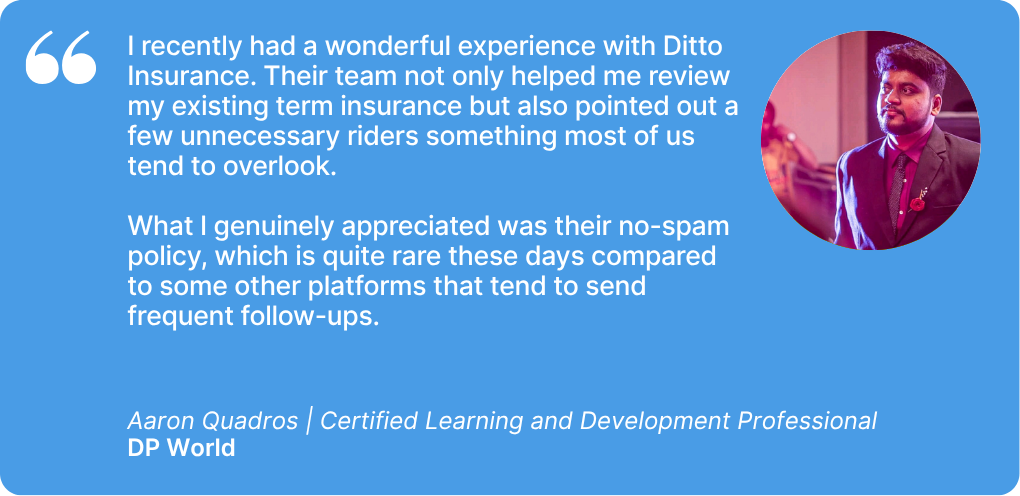
- No-Spam & No Salesmen
- Rated 4.9/5 on Google Reviews by 15,000+ happy customers
- Backed by Zerodha
- 100% Free Consultation
You can book a FREE consultation. Slots are running out, so make sure you book a free call now!
Conclusion
Paying your HDFC Term Insurance premium is fast, secure, and convenient, with multiple options to suit every customer’s preference. From digital tools like the HDFC Life app and website to offline support through branches, the insurer ensures a seamless payment experience. To avoid lapses or revival charges, make sure you pay premiums before the due date and always verify transaction details for accuracy.
Frequently Asked Questions
Last updated on: