



Overview
You're at the hospital admission desk or filling out an admission form, and someone asks for a copy of your policy, but you can't find it anywhere. This always happens at the worst time.
The good news is that downloading your Star Health policy takes only a few minutes once you know where to look. You don't need to dig through old emails or visit a branch office.
This article covers every way to get your Star Health policy PDF: through the website, the mobile app, and WhatsApp. We've also included fixes for the most common download issues, so you're not left stuck mid-process.
What Is the Star Health Policy Download Process?
The Star Health policy download process is simply how you get a digital copy of your policy document from Star Health's official channels.
This PDF contains your policy number, sum insured, coverage details, and the terms you agreed to at purchase. It's the same document you'd need for cashless treatment, reimbursement claims, or tax filing under the old regime under Section 80D (now Section 126).
To download it, you'll mostly need the following details:
- Your registered mobile number or policy number.
- Your date of birth, for identity verification.
- A One-Time Password (OTP) sent to your registered mobile number.
This OTP step exists to protect your personal and financial details from misuse, so it's worth keeping your mobile number updated with Star Health at all times.
Please Note: Do not confuse your personal policy copy with the public brochures and policy wordings available on the Star Health Insurance plans PDF page. Your personal policy document applies specifically to the cover issued to you.
How to Download Your Star Health Policy Online?
You have two reliable ways to get your Star Health policy PDF online: through WhatsApp or by logging into the customer portal.
Download via WhatsApp
- Save Star Health's official WhatsApp number: +91 95976 52225.
- Send a message saying "Hi".
- Select Request Documents from the chat menu.
- Select Policy Documents.
- Locate your policy using your mobile number or policy number.
- Enter your policy number and date of birth.
- Your policy documents will be shared for reference directly in the chat.
Download via Customer Portal Login
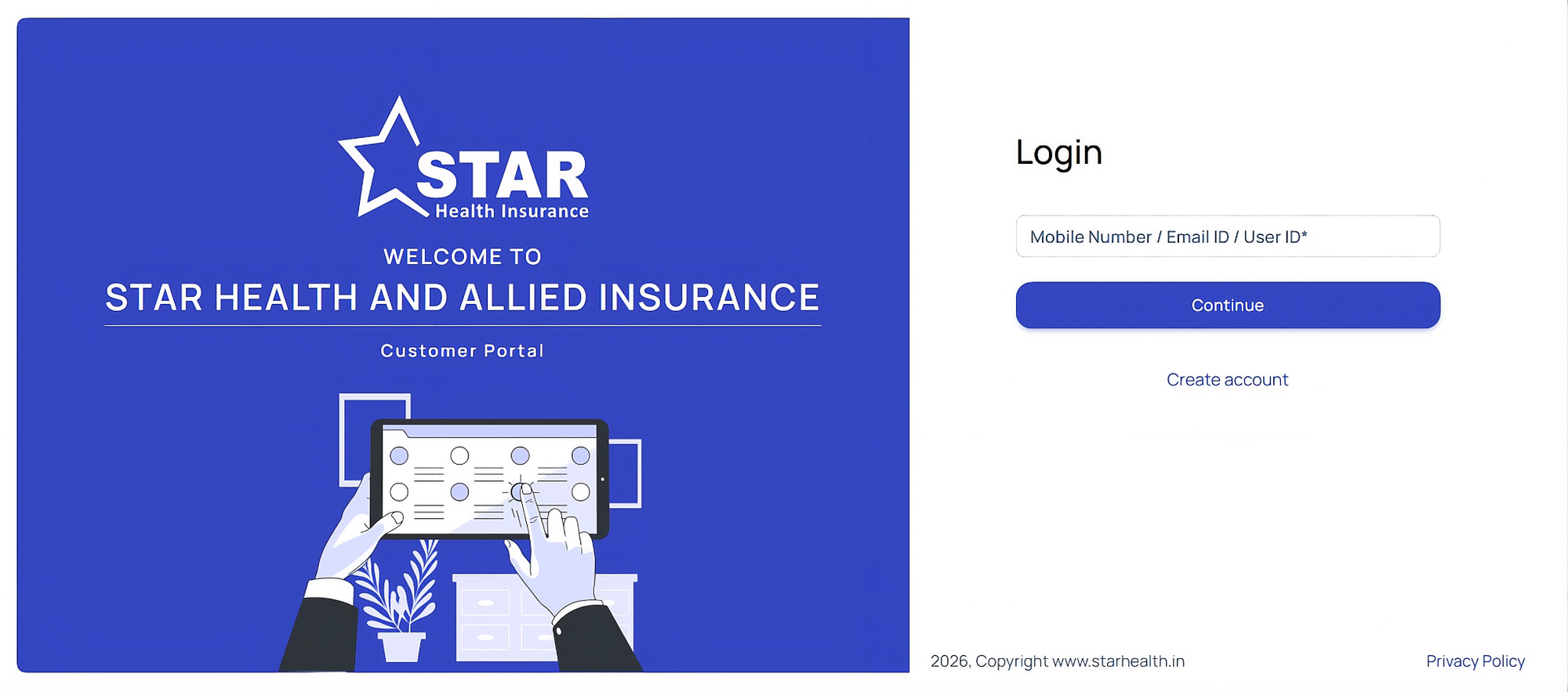
- Visit the Star Health customer login page.
- Sign in as a retail customer using your registered email ID and password, or register first if you're a new user.
- Go to your dashboard to view your active policy details.
- Click Download Policy to get your PDF copy.
Talk to an expert
today and
find
the right
insurance for you.


How to Download Star Health Policy by Policy Number?
If your policy number is already handy, this is the quickest way to get your PDF. Here's the step-by-step process:
- Visit the Star Health website.
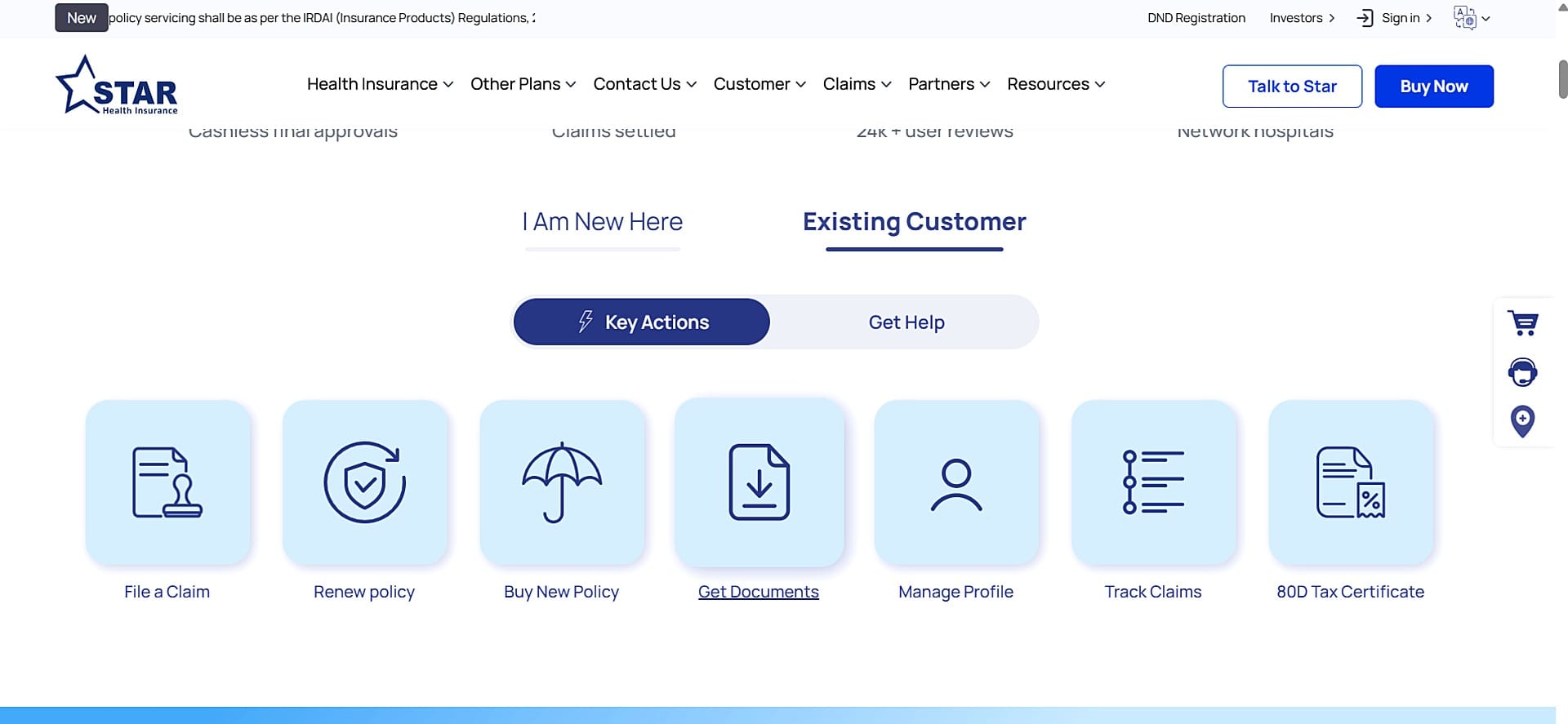
- Select the option to download your policy documents.
- Enter your policy number in the field provided.
- Add your date of birth to confirm your identity.
- Enter the OTP sent to your registered mobile number.
- Click Download, and your policy PDF opens or saves right away.
Key Insight
How to Download Star Health Policy Using the Mobile App?
The Star Health mobile app works well if you want your policy saved offline on your phone for quick access, especially during a hospital visit.
- Download the Star Health app from the Google Play Store or Apple App Store.
- Log in using your registered mobile number.
- Verify your identity with the OTP sent to your phone.
- Go to the Policy Details or Documents section.
- Tap your active policy to open it.
- Select the option to download or share to save the PDF to your phone.
Beyond the policy PDF, the app also gives you access to your health ID card and lets you download tax certificates when it's time to file returns.
Common Issues While Downloading Your Star Health Policy
Common issues while downloading a Star Health policy include wrong input details, technical glitches, and records that haven't updated yet. Most of these are quick fixes once you know what's causing them.
Incorrect Input Details
- Wrong Mobile Number: If you enter a number that isn't registered with your policy, the system won't be able to find it.
- Date Format Errors: Entering your date of birth in the wrong format can stop the verification process midway.
- Mismatched Policy Number: A single typing mistake in your policy number is enough to make the search result come up empty.
Technical and Portal Glitches
- Server Downtime: The Star Health portal can slow down or go offline briefly during high traffic or scheduled maintenance.
- Browser Issues: Ad-blockers or old cached data in your browser can sometimes stop the download button from working properly.
- OTP Delays: Your OTP may take a few extra minutes to arrive over SMS, and the verification window can time out before it reaches you.
Account and Record Issues
- Records Not Updated Yet: If you've just bought a policy, it can take a few days for it to reflect in the digital system.
- Expired Policy: You may still need the old policy document for your records. If you also want to continue the cover, follow the Star Health Insurance renewal process separately.
If you've ruled out all of the above and still can't get your PDF, the Star Health customer care team can help you directly, which we've covered next.
Star Health Customer Care for Policy Document Help
When the website, app, or WhatsApp routes don't work, Star Health's customer care team can send you your policy document directly. You can reach the Star Health official email ID for more details. Send the request from your registered email address and include the relevant policy details.
Why Choose Ditto for Health Insurance?
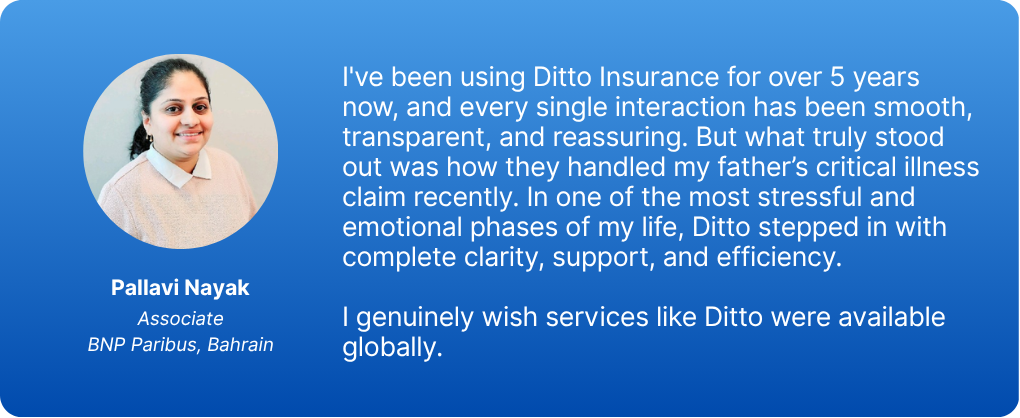
At Ditto, we’ve assisted over 8,00,000 customers with choosing the right insurance policy. Why customers like Pallavi below love us:
- No-Spam & No Salesmen
- Rated 4.9/5 on Google Reviews by 30,000+ happy customers
- Backed by Zerodha
- Dedicated Claim Support Team
- 100% Free Consultation
Confused about the right insurance? Speak to Ditto’s certified advisors for free, unbiased guidance. Book your call or chat with us on WhatsApp now!
Conclusion
Getting your Star Health policy download doesn't need to be a struggle. Whether you use the website, WhatsApp, or the mobile app, it takes just a few minutes with your policy number or registered mobile number ready.
As your next step, save the downloaded PDF somewhere easy to find, like a dedicated folder in your email or cloud storage, so you're never caught off guard during a hospital visit or tax season. It's also worth checking that your registered mobile number and email are up to date with Star Health, since most download and OTP issues trace back to outdated contact details.
Frequently Asked Questions
Last updated on: