



Overview
Need a copy of your health insurance policy during a hospital visit? The last thing you want is to search through old emails or wait on hold with customer care.
The Star Health login portal helps you access your policy documents, download your health card, renew your policy, track claims, and manage your account from one place.
In this article, we will cover how to register and log in to the Star Health portal, use its key features, fix common login issues, and reach customer support when needed.
What Is the Star Health Login Portal?
Star Health is one of India's leading standalone health insurers, offering a wide range of health insurance plans for individuals, families, and senior citizens. The Star Health login customer portal is the insurer's online self-service platform for individual and family policyholders.
It allows policyholders to view linked policy details, download documents and health cards, renew policies, and access other services without repeatedly contacting customer care.
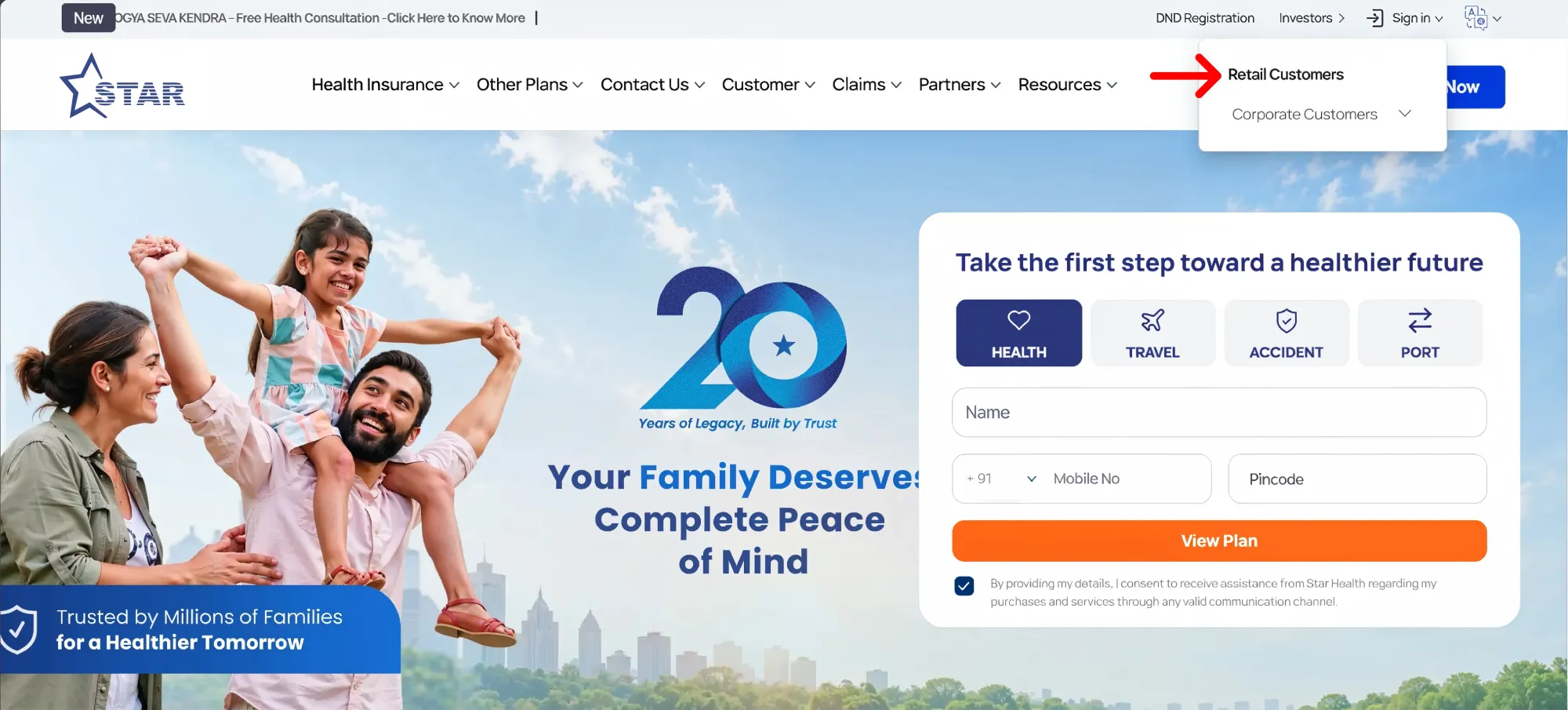
Since Star Health maintains separate login options for different types of users, it's important to choose the right one from the Sign in dropdown on the website. Individual and family policyholders should select Retail Customers, while customers covered under a corporate or group policy should select Corporate Customers instead.
Agents, advisors, and other distribution partners need to log in separately via the Star ATOM portal, which is meant exclusively for partners and agents.
The customer login page can be accessed through the official Star Health website by selecting Retail Customers from the sign-in menu or directly via the official customer login page.
Policyholders can also manage their policies through the Star Health mobile app, which offers policy copies, Section 80D certificates, claim intimation, network hospital searches, and claim tracking.
How to Register on the Star Health Customer Portal?
New users should create an account before attempting to log in.
Star Health Registration Steps
- Visit the official Star Health website and select Sign in.
- Choose Retail Customers.
- Click Create Account below the login form.
- Enter your first name, last name, registered mobile number, email address, date of birth, and gender.
- Create a password.
- Click Send OTP.
- Enter the OTP sent to your registered contact details and complete the verification.
The details entered during registration should match the information available in Star Health's policy records. The current registration form asks for personal and contact details rather than requiring the policy number at the first stage.
After registration, policies linked to the same registered mobile number or email address should ordinarily appear in the account. If your policy is not visible, check whether you registered using the contact details provided in the proposal form.
How to Log In to Star Health?
Once your account is registered, follow these steps to log in to the customer portal:
- Visit the Star Health customer login page.
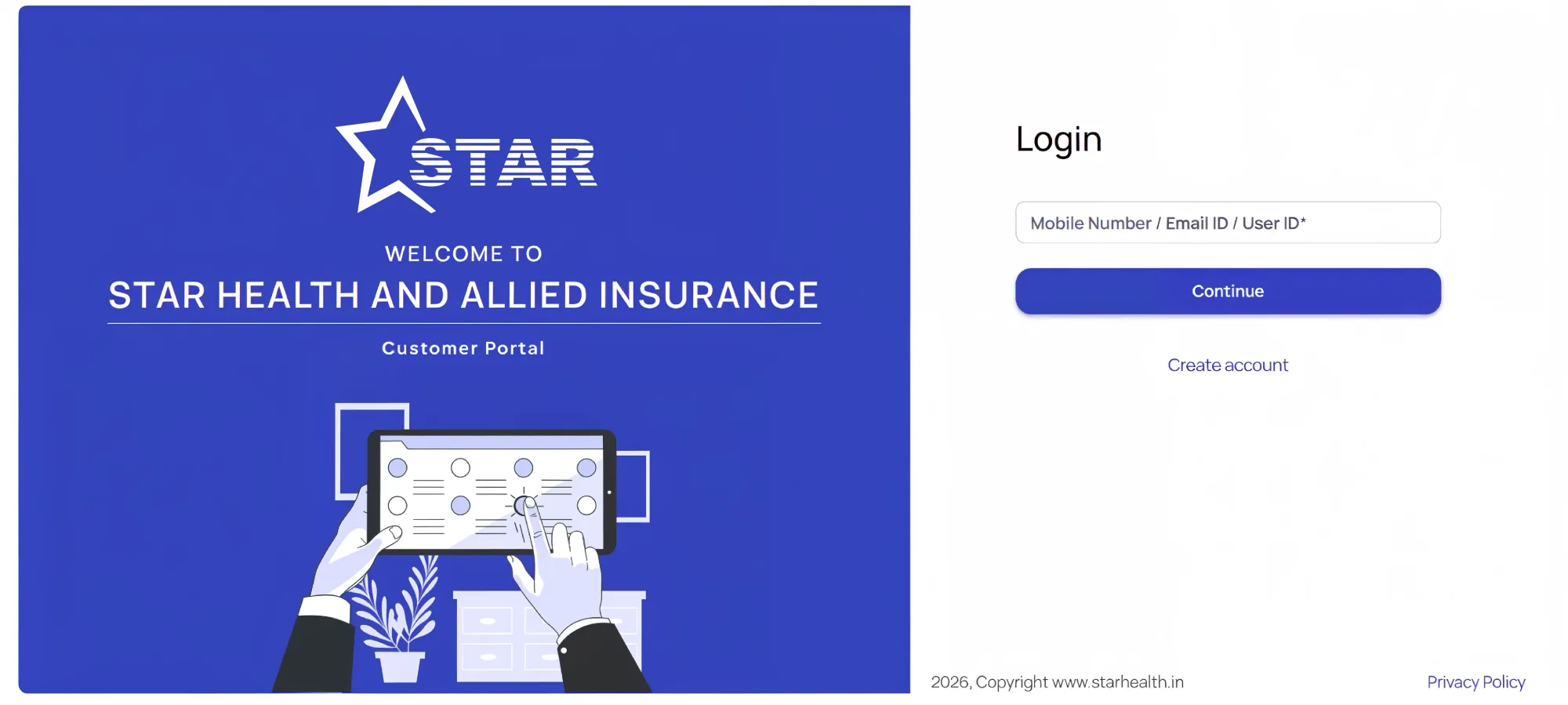
- Enter your registered mobile number, email address, or user ID.
- Enter your password.
- Enter the OTP sent to your registered mobile number for verification.
- Click Submit to access your account dashboard.
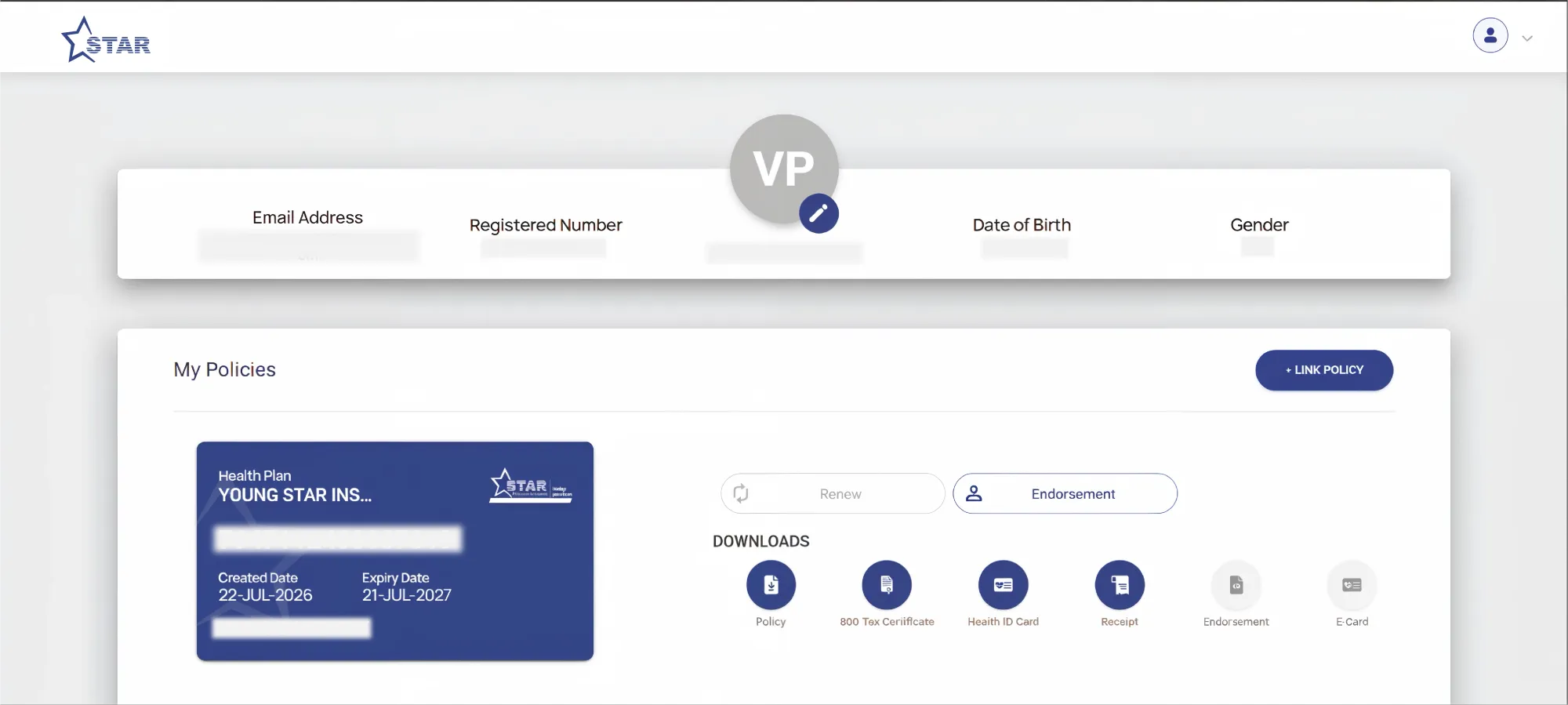
You'll be redirected to your dashboard, where you can view your registered details, access your existing policies, and manage servicing options such as renewals, endorsements, and document downloads.
Here's how the dashboard will look:
Note
Talk to an expert
today and
find
the right
insurance for you.


What You Can Do After Logging Into Star Health?
After logging in, the profile icon at the top of the dashboard gives quick access to key account actions.
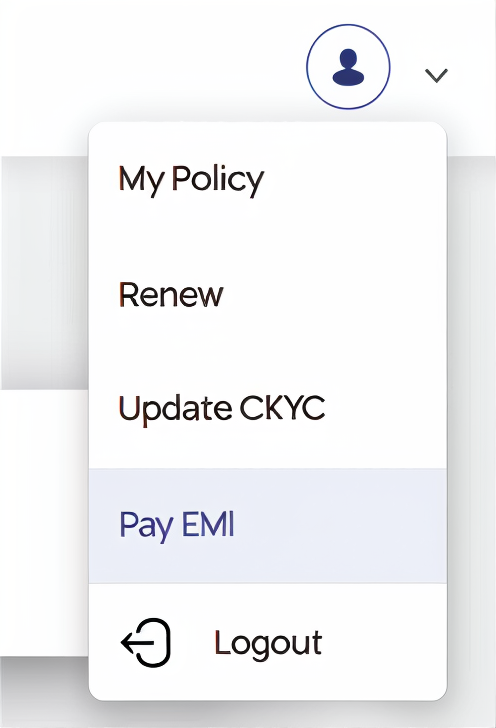
Common services available on the portal include the following:
- View Your Registered Details and Policies: See registered contact and personal details, along with linked policies showing plan name, policy number, and expiry date.
- Renew Your Policy: Renew an eligible policy directly using the Renew option on the profile menu.
- Endorsement: Request an endorsement on an existing policy directly.
- Download Policy Documents: Access the policy copy, health ID card, and other documents from the Downloads section under each policy.
- Update Central Know Your Customer (CKYC): Update Central KYC details from the profile menu, required periodically for compliance.
- Pay EMI: View and pay pending EMI installments for policies on EMI-based premium payment.
What to Do if You Forget Your Star Health Login Details?
Forgot Password
- On the login page, enter the registered mobile number, email address, or user ID, then select Forgot Password.
- Complete OTP verification, sent to the registered mobile number or email address, and set a new password.
Forgot User ID
- Log in directly using the registered mobile number or email address instead. Since the portal accepts any of the three identifiers, forgetting the user ID does not block access.
No Longer Have Access to the Registered Mobile Number
- Contact Star Health directly rather than creating a new account with a different number.
- The insurer may ask for identity verification and supporting documents before updating the registered contact details.
Star Health Customer Care for Login Help
If a login or OTP issue cannot be resolved directly through the portal, Star Health offers several ways to get help, as summarized below.
Policyholders can use the toll-free number or general helpline for login and access-related queries, message on WhatsApp for quicker responses, or use the raise a ticket option for issues specific to the customer portal. In-person assistance is also available at the nearest branch office.
If the issue remains unresolved, the next step is to raise a complaint through Star Health's Grievance Redressal mechanism. Under IRDAI requirements, insurers must acknowledge complaints and provide a resolution within 15 days.
If the complaint is still unresolved after this, policyholders can escalate it through Bima Bharosa, the IRDAI's centralized grievance management system. If the issue remains unresolved or the resolution is unsatisfactory, policyholders can approach the Insurance Ombudsman as the next level of escalation.
Why Choose Ditto for Health Insurance?
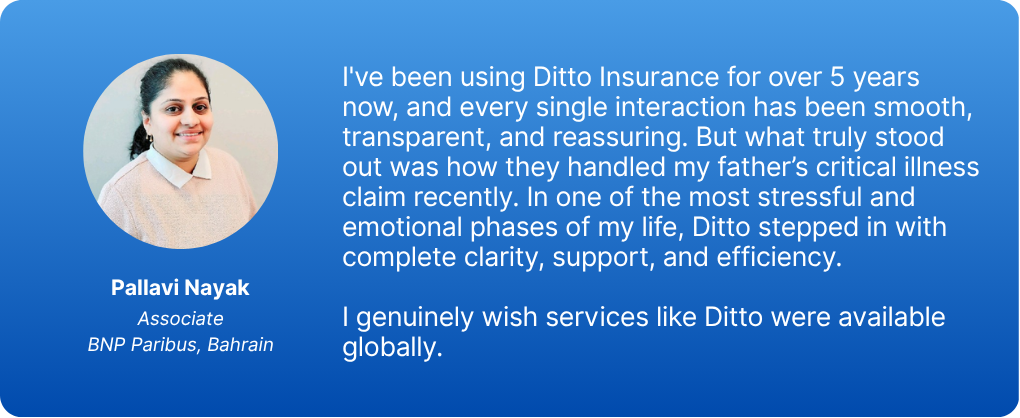
At Ditto, we’ve assisted over 8,00,000 customers with choosing the right insurance policy. Why customers like Pallavi below love us:
- No-Spam & No Salesmen
- Rated 4.9/5 on Google Reviews by 30,000+ happy customers
- Backed by Zerodha
- Dedicated Claim Support Team
- 100% Free Consultation
Confused about the right insurance? Speak to Ditto’s certified advisors for free, unbiased guidance. Book your call now or chat with our advisors on WhatsApp.
Conclusion
Managing a Star Health policy does not need to involve long calls with customer care or digging through old emails. The login portal and mobile app bring everything into one place, from viewing policy details and downloading documents to renewing coverage and requesting endorsements.
For a smooth experience, always log in through the official Star Health website or app, keep login credentials private, and log out after each session on a shared or public device.
Frequently Asked Questions
Last updated on: