



Quick Overview
In term insurance, if premiums are not paid on time, the policy can lapse, which means your family may lose financial protection.
In this guide, we’ll walk you through the benefits of Kotak term insurance payment, required details, online and offline payment steps, and how to track your payment status easily.
Benefits of Using Kotak Term Insurance Payment
Here’s why paying your premium on time and through official Kotak channels matters:
- Keeps Your Policy Active: Regular Kotak term insurance payment ensures uninterrupted life cover.
- Multiple Payment Options: UPI, debit/credit cards, net banking, NEFT, NACH, wallets, and branch payments can be used, which expands the policyholder’s choice.
- Auto‑debit Facility: ECS/NACH helps avoid missing due dates.
- Instant Confirmation: Online payments generate immediate acknowledgement.
- WhatsApp Support: Policy details and updates via the official Kotak Life WhatsApp number.
- Safe and Regulated: Payments are processed through IRDAI‑regulated systems.
Information Required to Make Kotak Term Insurance Payment
- Policy number (8 digits)
- Registered mobile number
- Date of birth (in some payment flows)
- Payment method details (UPI ID, card, or bank account)
- For NEFT:
- Beneficiary account format: 99800KLIFEXXXXXXXX ( the last 8 digits are your policy number)
- IFSC code (Kotak Bank or other bank)
- Premium amount
Having these details ready will make the Kotak term insurance payment process smooth and error‑free.
Steps to Make a Kotak Term Insurance Payment
Online Payment Methods
1. Through the Kotak Life Website
- Visit Kotak Life’s “Pay My Premium” page.
- Enter your policy number and registered mobile number.
- Verify using OTP.
- Choose a payment method (UPI, debit/credit card, net banking, wallet).
- Complete the transaction.
- Download or save the receipt.
This is the fastest way to complete your Kotak term insurance payment.
2. Using UPI Apps
You can pay using:
- PhonePe
- Google Pay
- Amazon Pay
- Paytm
Steps are generally:
- Open the app.
- Go to the Insurance / Bill Payment section.
- Search for Kotak Life Insurance.
- Enter your policy details.
- Confirm and pay.
3. NEFT Transfer
- Log in to your bank’s net banking.
- Choose NEFT transfer.
- Enter the beneficiary account as per your policy number.
- Enter the IFSC code provided by Kotak Life.
- Enter the premium amount and submit.
- Save the UTR number for reference.
Note: NEFT payments should ideally be made from the policyholder’s own bank account.
4. Auto‑debit (NACH / ECS)
You can register for automatic deductions from your bank account so your Kotak term insurance payment happens automatically on the due date.
This avoids missed payments and policy lapses.
Offline Payment Methods
1. At Kotak Life Insurance Branches
You can pay via:
- Cash (up to ₹49,999)
- Cheque
- Demand draft
Requirements:
- Mention policy number on cheque/DD
- Carry your PAN card
- Third‑party payer must submit a relationship declaration
2. At Kotak Mahindra Bank Branches
- Only Kotak Bank cheques are accepted
- Payment allowed if the policy is active or lapsed within 180 days
- PAN may be required
- No partial or split payments
Offline Kotak term insurance payment is useful if you are not comfortable with digital payments.
Steps to Check the Status of Kotak Term Insurance Payment Online
You can easily track your premium payment using these methods:
Method 1: Kotak Life Website
- Visit the official Kotak Life website.
- Log in as an individual customer.
- Go to Policy Details / Payment History.
- View your latest payment status.
Method 2: WhatsApp
- Send “Hi” to 93210 03007 from your registered number.
- Choose policy services.
- Select the premium or payment status option.
Method 3: Customer Care
Call 1800 209 8800 (8 AM – 10 PM) and provide your policy number.
These are the easiest steps to check the status of Kotak term insurance payment online without visiting a branch.
Why Choose Ditto for Term Insurance?
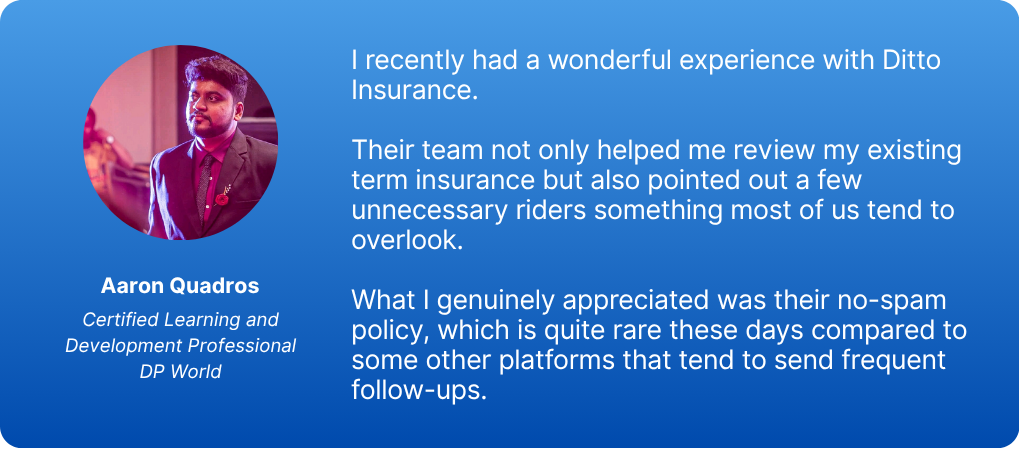
At Ditto, we’ve assisted over 8,00,000 customers with choosing the right insurance policy. Why customers like Aaron below love us:
- No-Spam & No Salesmen
- Rated 4.9/5 on Google Reviews by 15,000+ happy customers
- Backed by Zerodha
- 100% Free Consultation
You can book a FREE consultation. Slots are running out, so make sure you book a call or WhatsApp us now!
Conclusion
Kotak term insurance payment can be done online, offline, manually, or automatically, whatever suits your lifestyle. As long as premiums are paid on time, your family’s financial safety stays intact and you stay eligible for relevant tax deductions.
Use digital methods for speed, auto‑debit for peace of mind, or branch payments if you prefer in‑person assistance. Always track your payment status to avoid accidental lapses.
A small habit today protects your loved ones for decades.
Disclaimer
Frequently Asked Questions
Last updated on: