



Quick Overview
Finding it hard to manage your health insurance account? With IRDAI promoting fully digital policies, you can access your plan through an e-Insurance account. Niva Bupa supports this with a simple portal and strong customer support, available 24/7. This guide explains how to do it step by step.
How Can You Contact Niva Bupa Health Insurance?
- Call their customer helpline number 1860-500-8888.
- Drop a “Hi” for a WhatsApp chat at 9811956696.
- In case you are a senior citizen, mail them at seniorcitizensupport@nivabupa.com for priority assistance.
- Reach out to their nearest branch for offline assistance.
Learn more about how you can use the Niva Bupa mobile app for your health policy queries.
Services Offered by Niva Bupa Health Customer Support
Policy Support
Claims Assistance
Documents & Network Access
Profile & Issue Resolution
Why Should You Use the Niva Bupa Health Insurance Login?
- Review, edit, and update details of all enrolled members instantly.
- View your coverage details, including sum insured and premium schedule.
- Pay your policy premiums online or renew policies without waiting in long queues.
- Avail annual health check-ups and book appointments online.
- Get access to a host of benefits, like raising claims and tracking them. You also get to locate your nearest network hospital.
Note: IRDAI rules require insurers to protect your personal data. That is why insurance companies use security steps like OTP verification. It ensures only you can access your account.
What Are the Steps to Niva Bupa Health Insurance Login?
If you are a policyholder, here is a step-by-step process to log in to your Niva Bupa Health account via Insta Assist :
Step 1: Visit the Niva Bupa website and click “Customer Support” at the top right of the homepage, and click “Insta Assist” from the drop-down options.
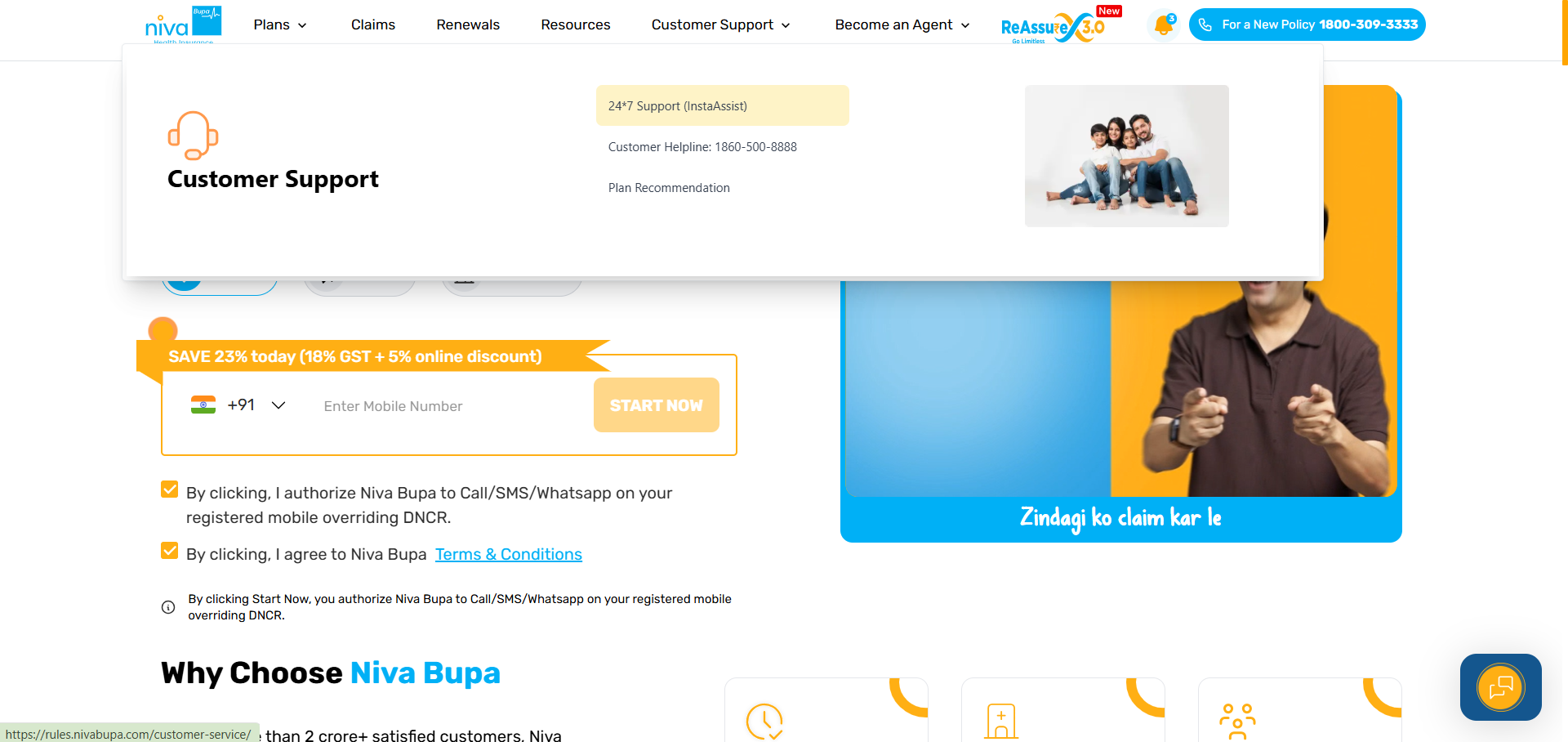
Step 2: Search your query using keywords or select the relevant service category.
Step 3: Enter your registered mobile number and complete OTP authentication.
Step 4: After verification, all policies linked to your mobile number will appear.
For example, if you want to update policy details, you can verify your identity and go ahead with the process.
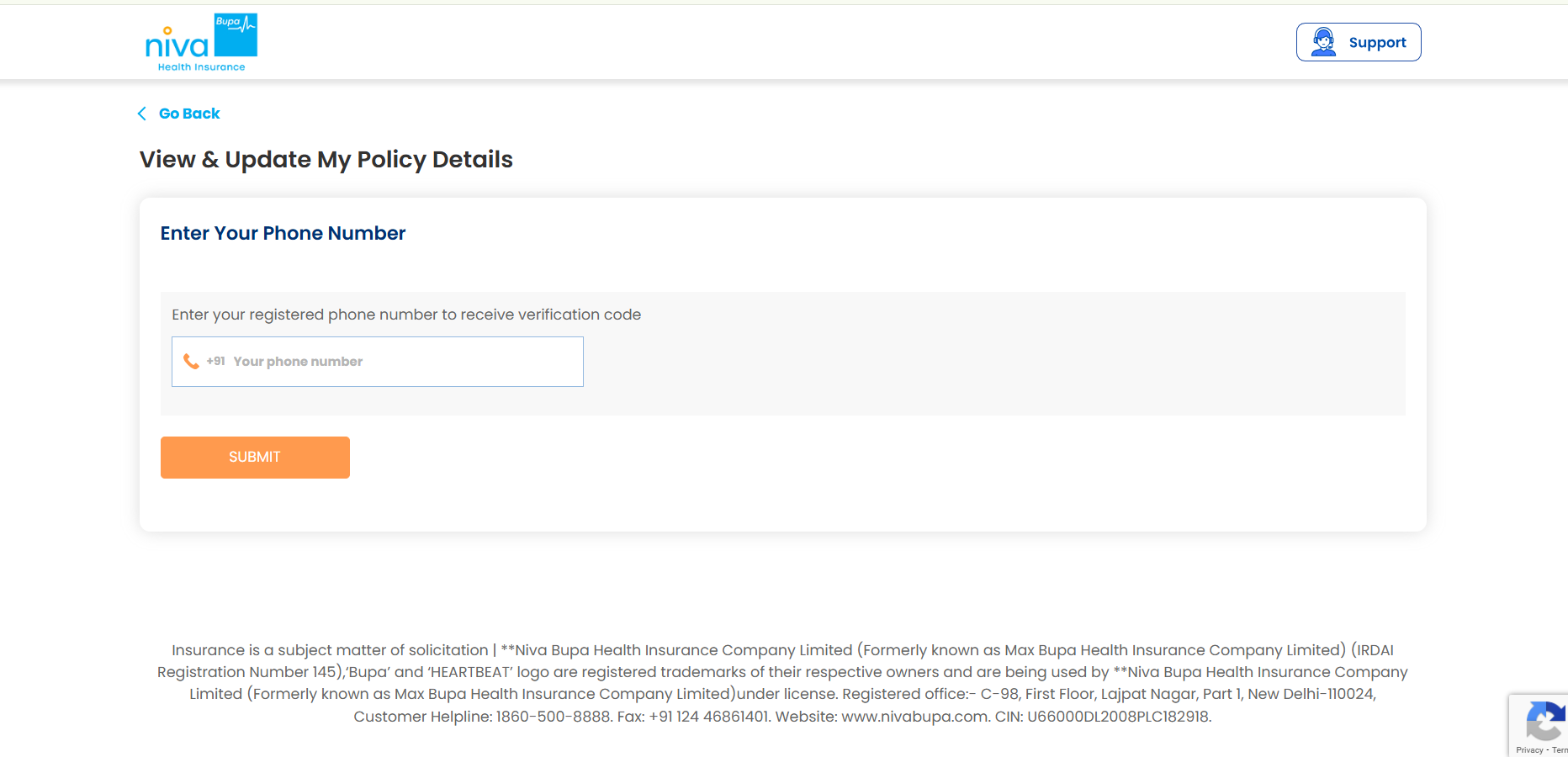
Note: In case you want to renew your health policy or file a claim, click on “Support” at the top-right corner and go ahead with the verification process.
Why Talk to Ditto for Your Health Insurance?
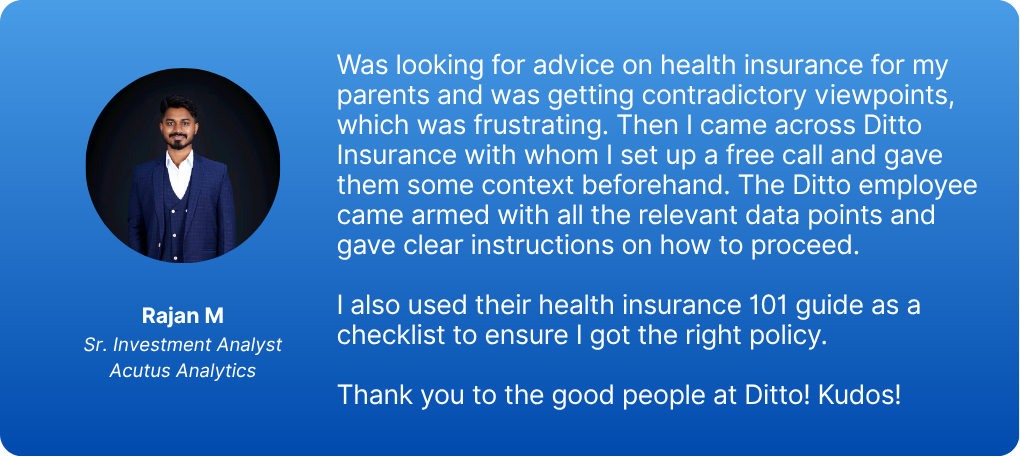
At Ditto, we’ve assisted over 8,00,000 customers with choosing the right insurance policy. Why customers like Rajan below love us:
- No-Spam & No Salesmen
- Rated 4.9/5 on Google Reviews by 15,000+ happy customers
- Backed by Zerodha
- 100% Free Consultation
You can book a FREE consultation. Slots are running out, so make sure you book a call now!
Ditto’s Take on Niva Bupa Health Insurance Contact and Login
Always use the official Niva Bupa website and a secure device to protect your details. Do not share your OTP with anyone. Once you finish checking your policy or claims, log out for safety.
However, there are several considerations to keep in mind when proceeding with your policy application process or registering for a policy. Since Niva Bupa is one of our partner insurance companies, you can get in touch with us for further assistance (if you bought your policy through us).
Frequently Asked Questions
Last updated on: