



Quick Review
Kotak Mahindra General Insurance Company Limited is now known as Zurich Kotak General Insurance Company (India) Limited after Zurich Insurance Group acquired a 70% stake in June 2024. As a result, its health insurance products are now offered under Zurich Kotak Health Insurance. With a strong focus on digital servicing and customer support, Zurich Kotak aims to make health insurance management simple and accessible for policyholders across India.
If you’re looking to understand Kotak General health insurance contact and login options, this blog covers how to reach customer support, use the online login portal, access digital and assisted services, and find branch-level support.
How to Contact Kotak General Health Insurance?
Working Hours
- Claims & Emergencies: 24/7 (Every day)
- General Queries: 8:00 AM to 8:00 PM (Monday to Sunday)
Kotak General Health Insurance: Contact Details
Kotak General Health Insurance: Location-wise Contact Details
Registered Office: Zurich Kotak General Insurance Company (India) Limited
Unit no. 401, 4th Floor, Silver Metropolis, Jai Coach Compound,
Off Western Express Highway, Goregaon (East), Mumbai – 400063, India.
Kotak General Health Branch and Divisional Offices
Find more details here: Zurich Kotak General Insurance Branches
What Services Does Kotak General Health Customer Support Offer?
Zurich Kotak General Insurance offers a service request portal that lets you manage your health policy online, no branch visits or agent follow-ups required. Through this portal, you can conveniently update your policy details, access documents, and handle policy-related tasks.
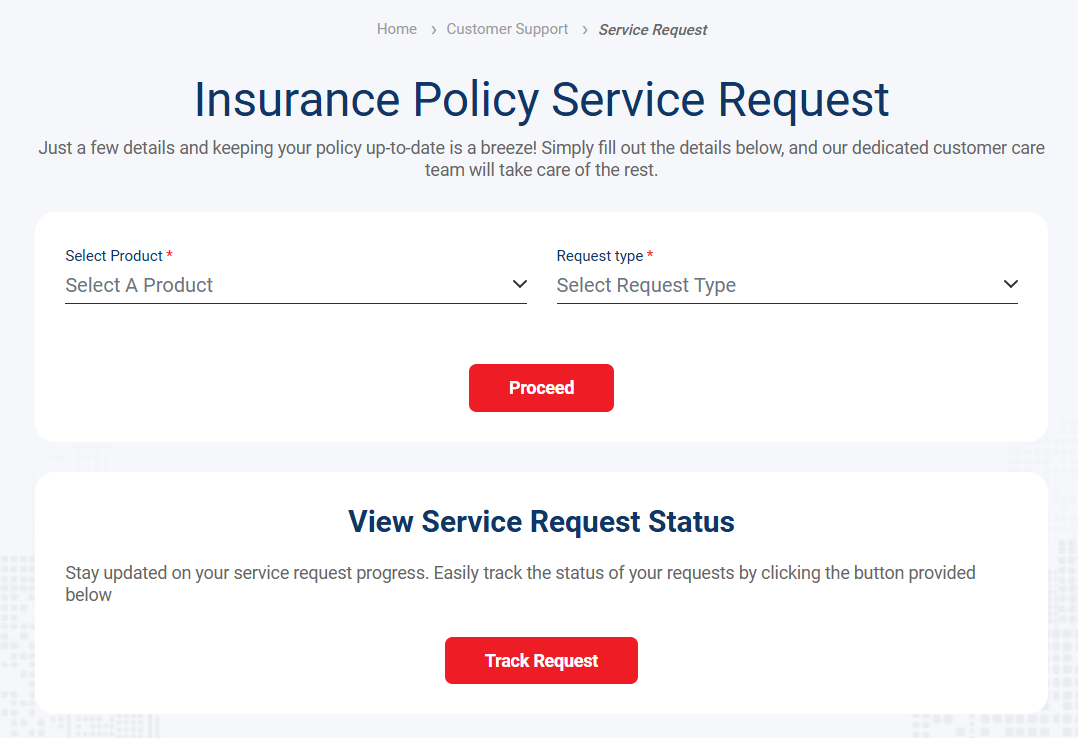
Here are the key services:
- Communication Address Change: Update your mailing address, email ID, or mobile number to ensure you receive renewal reminders and claim-related OTPs on time.
- Contact Details Update (Mismatch Correction): Correct mismatches in your registered email ID or mobile number to avoid issues with login, communication, or claim verification.
- Name Correction: Fix spelling errors in the policyholder’s or insured member’s name for smooth hospital admissions and claim processing.
- Nominee Details Update: Add or modify nominee information to ensure claim payouts reach the intended beneficiary.
- Bank Details Update: Update or correct bank account details to avoid delays in claim reimbursements or refunds.
- Policy Document Download: Re-download your policy schedule or related documents anytime for reference, tax filing, or claims.
- Document Upload: Upload supporting documents online for endorsements, corrections, or claim-related requirements.
- Policy Renewal: Initiate or manage your health insurance policy renewal digitally without paperwork.
- Health Claim Intimation: Inform the insurer about planned or emergency hospitalisation directly through the service request process.
- Free Health Check-up Request: Request eligible free health check-ups as per your policy benefits.
- DNC Subscription: Manage your Do Not Call (DNC) preferences to control promotional communication.
In addition to online service requests, Kotak General Health Insurance customer support provides assisted services via phone and email for queries related to claim support, network hospital assistance, coverage clarifications, and other endorsements that require real-time help or escalation.
How to Log in to Kotak General Health Insurance: Step-by-Step Guide
The customer portal allows you to download your policy, check claim status, and find network hospitals.
Here is a step-by-step guide:
Step 1: Visit the official Zurich Kotak Customer Login page.
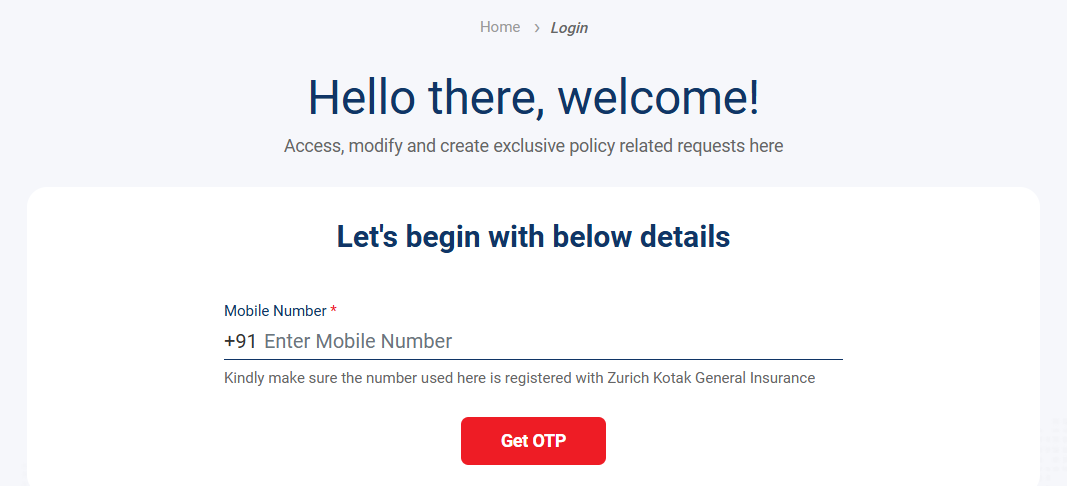
Step 2: Enter your Registered Mobile Number.
Step 3: Click 'Get OTP' and enter the 6-digit code sent to your phone.
Step 4: Once verified, you can view your e-card, track current claims, or renew your policy instantly.
Kotak General Health Insurance Grievance Redressal Process
If you face issues with your Kotak General Health Insurance policy and are not satisfied with initial solutions, Zurich Kotak provides a structured grievance redressal process to resolve complaints efficiently.
How to Lodge a Grievance:
- Call: 1800 266 4545 to speak with a customer care officer
- Email: care@zurichkotak.com
Escalation Matrix:
- care@zurichkotak.com
- grievanceofficer@zurichkotak.com
- seniorgrievanceofficer@zurichkotak.com
- chiefgrievanceofficer@zurichkotak.com
For Senior Citizens: seniorcitizen@zurichkotak.com
IRDAI Guidelines for Resolution:
- Acknowledgement of grievance: Immediate
- Additional details (if needed): Within 1 week
- Resolution & final letter: Within 2 weeks
- Closure if no reply from complainant: Within 8 weeks
If unresolved within 30 days, policyholders may approach the Insurance Ombudsman.
Kotak General Health Insurance Mobile App
Zurich Kotak General Insurance offers a dedicated mobile app (available in android or iOS devices) that enables a paperless and convenient health insurance experience. You can download your health e-card, file or track claims, find cashless hospitals, and update personal details through the app.
Why Talk to Ditto for Your Health Insurance?
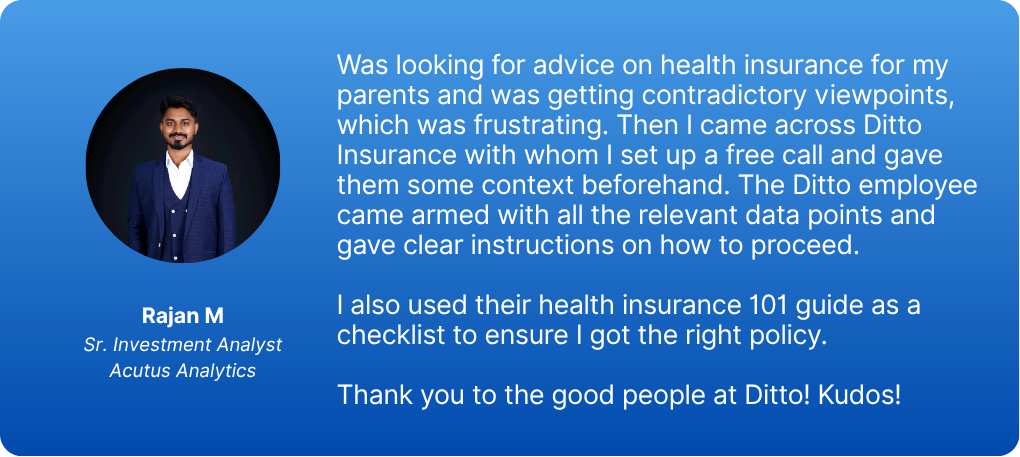
At Ditto, we’ve assisted over 8,00,000 customers with choosing the right insurance policy. Why customers like Rajan below love us:
- No-Spam & No Salesmen
- Rated 4.9/5 on Google Reviews by 15,000+ happy customers
- Backed by Zerodha
- Dedicated Claim Support Team
- 100% Free Consultation
You can book a FREE consultation. Slots are running out, so make sure you book a call now!
Final Thoughts
With dedicated contact channels, an easy OTP-based login system, comprehensive service request options, and a structured grievance redressal mechanism, policyholders can manage their health coverage confidently with Kotak General Health Insurance.
Note: Zurich Kotak General Health Insurance is not a Ditto partner, and all information in this article is drawn from the company’s website and is for informational purposes only.
Frequently Asked Questions
Last updated on: